Dash Cam 4K Dual-channel Record 2K HDR 3.69'' IPS TouchScreen 24H Parking Monitor ADAS Car DVR WIFI APP 130° FOV Vehicle Recorde


Dash Cam 4K Dual-channel Record 2K HDR 3.69'' IPS TouchScreen 24H Parking Monitor ADAS Car DVR WIFI APP 130° FOV Vehicle Recorde
SPECIFICATIONS
APP Compatibility: lufengzhe
Assembly Mode: Portable Recorder
Audio Recorded: Yes
Battery: None
Battery Life: none
Brand Name: Sherway
Built-in Screen: Yes
Camera Resolution: 3840x2160
Certification: CE,FCC
Chipset Manufacturer: EEASYTECH SA230D
Choice: yes
Display: IPS
Display Size: 3"-5"
Frames Per Second: 30
GPS logger: Internal
High-concerned chemical: None
Imaging Sensor: SONY IMX415
Is Batteries Included: no
Item Type: Car DVR
Loop-Cycle Recording Feature: Yes
Max External Memory: 128G
Memory Card Required Reding Speed: Class 10
NightShot Function: Yes
Number Of Lenses: 2
OSD Language: Chinese (Traditional),English,Japanese,Korean,Portuguese,Russian,Spanish
Origin: Mainland China
Original Package: Yes
Pixels: 800Mega
Rear Camera: Yes
Special Features: G-Sensor,sd/mmc card,Bult in GPS,Real Time Surveillance,Wide Dynamic Range,wifi function,adas,Speed and Coordinates Recording
Touch Screen: no
Video Code: H.264
Video Format: MP4
View angle: 140°
Weight: 540G
Working Temperature: Minus 10 Degrees to 60 Degrees
Dash Cam 4K Dual-channel Record 2K HDR 3.69'' IPS TouchScreen 24H Parking Monitor ADAS Car DVR WIFI APP 130° FOV Vehicle Recorde
Note:
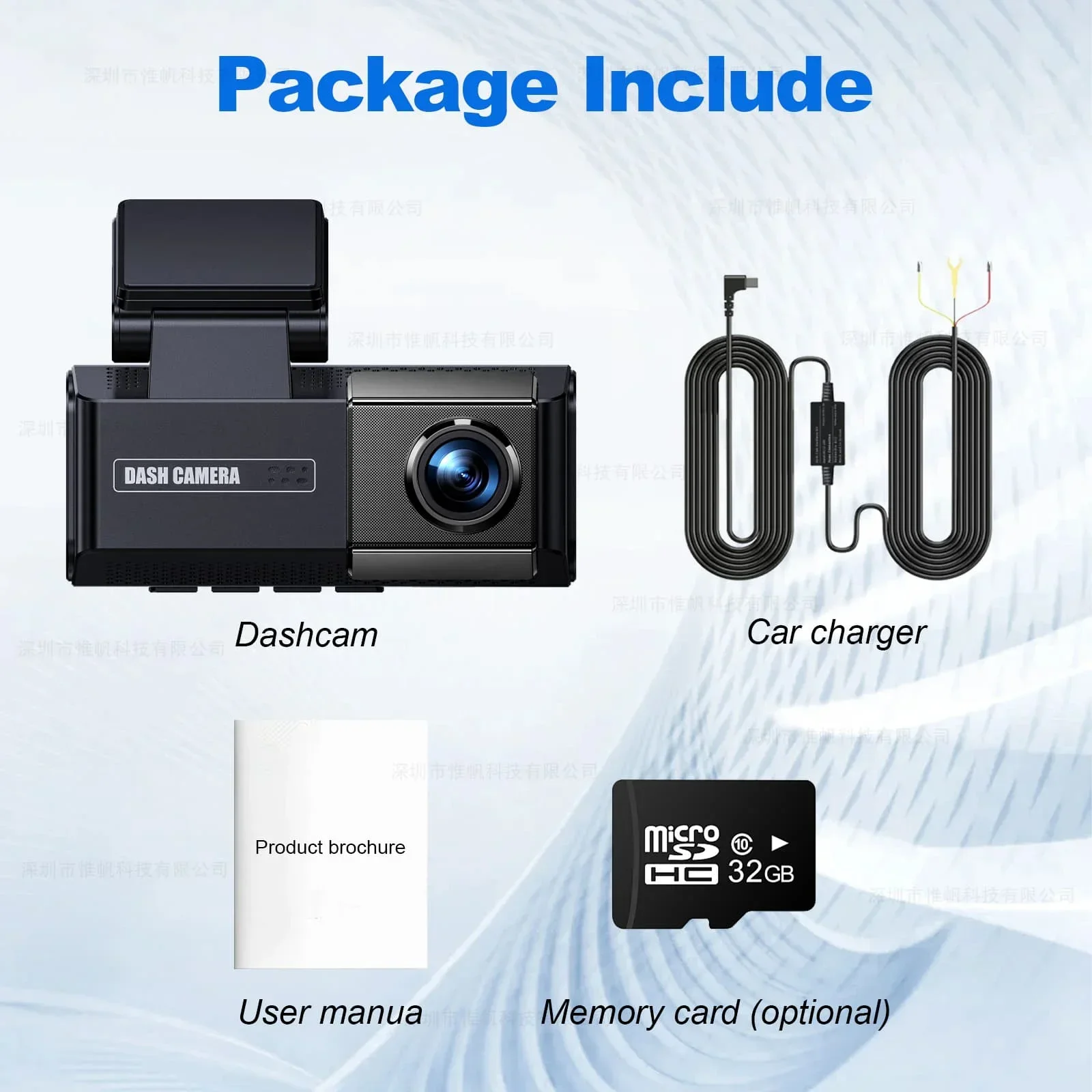
1.Please use the power supply provided by our store for testing.
2.Please use a memory card with a C10 or higher configuration.
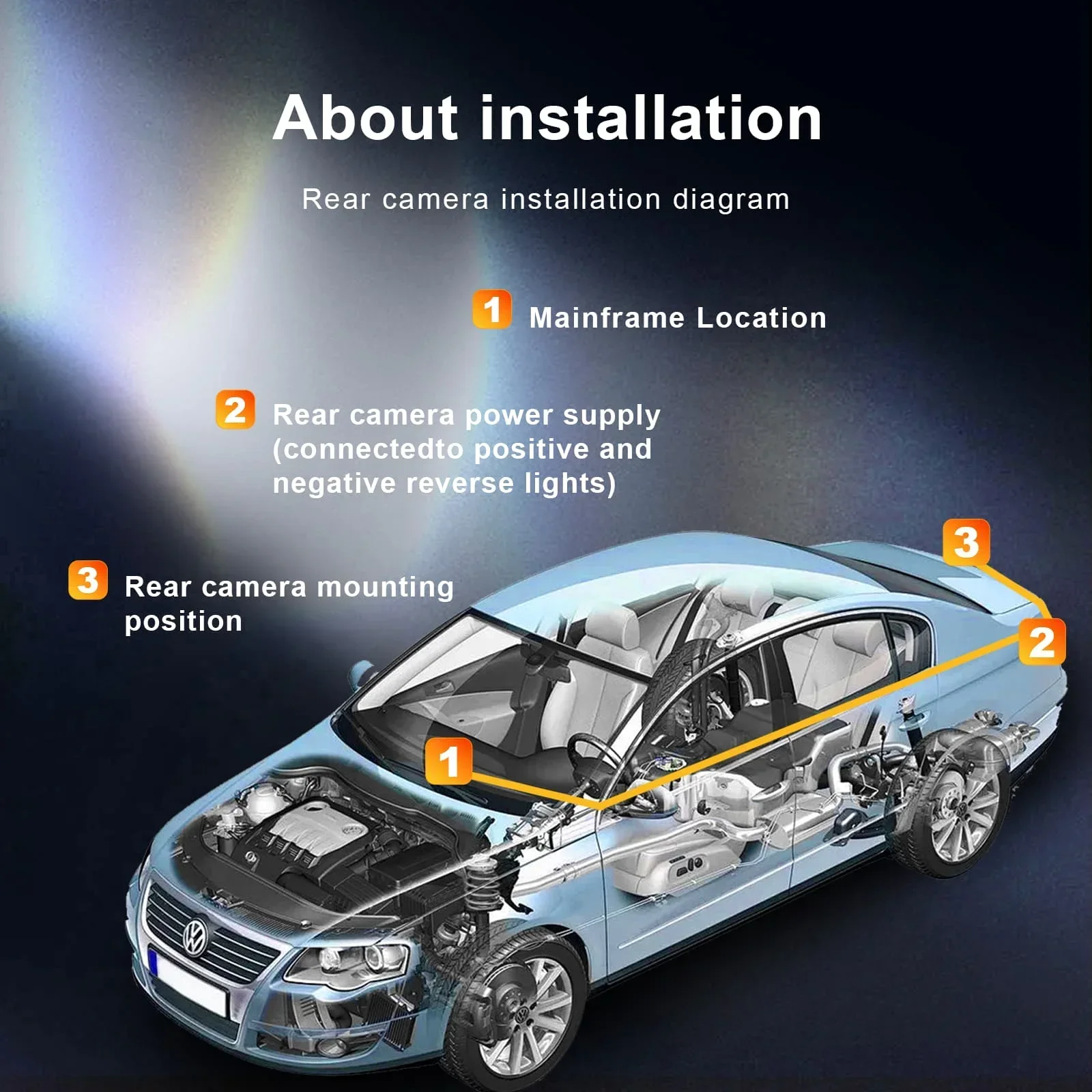
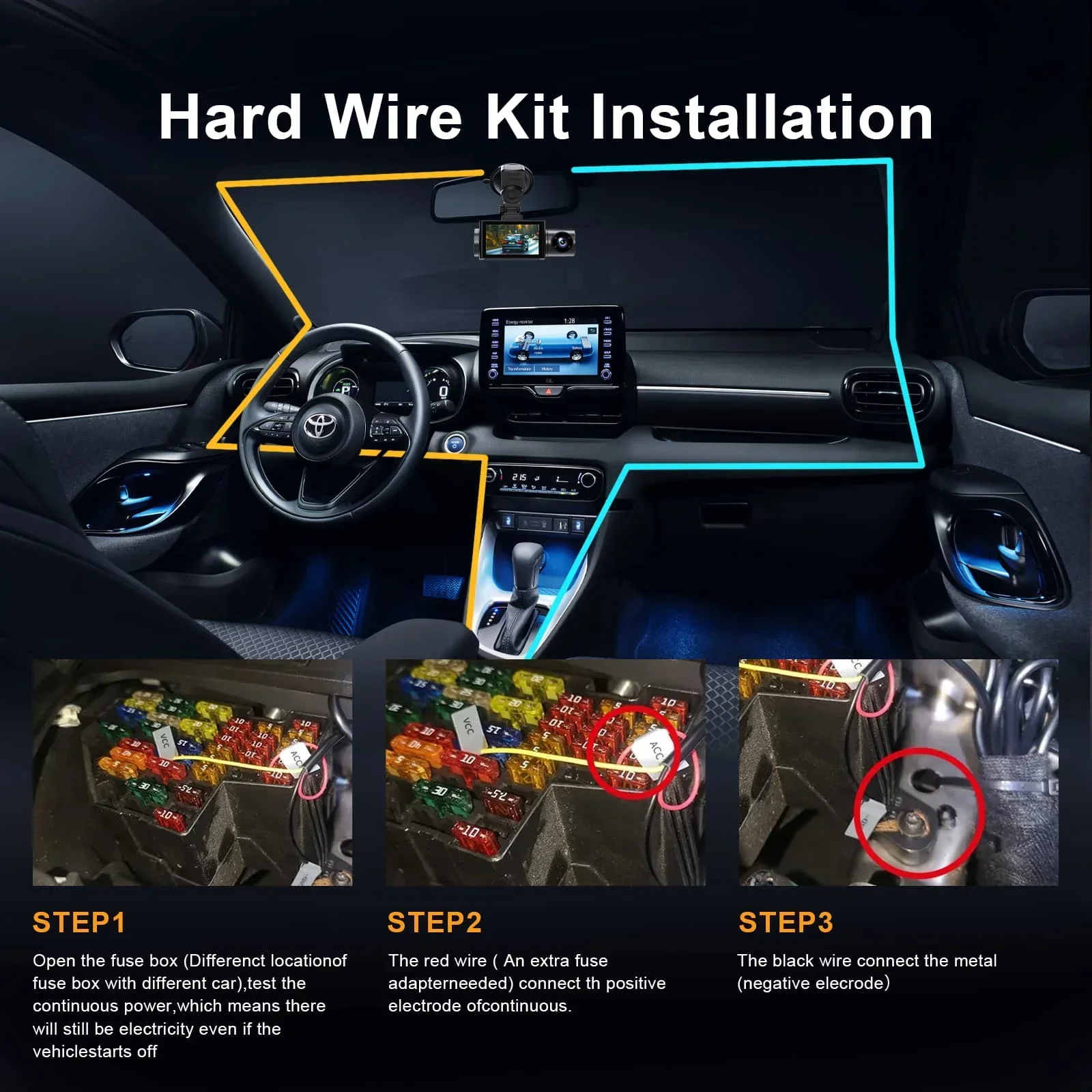
3.After receiving the product, please refer to the ACC installation tutorial video:
https://www.youtube.com/watch?v=L7q4K1ZWqds
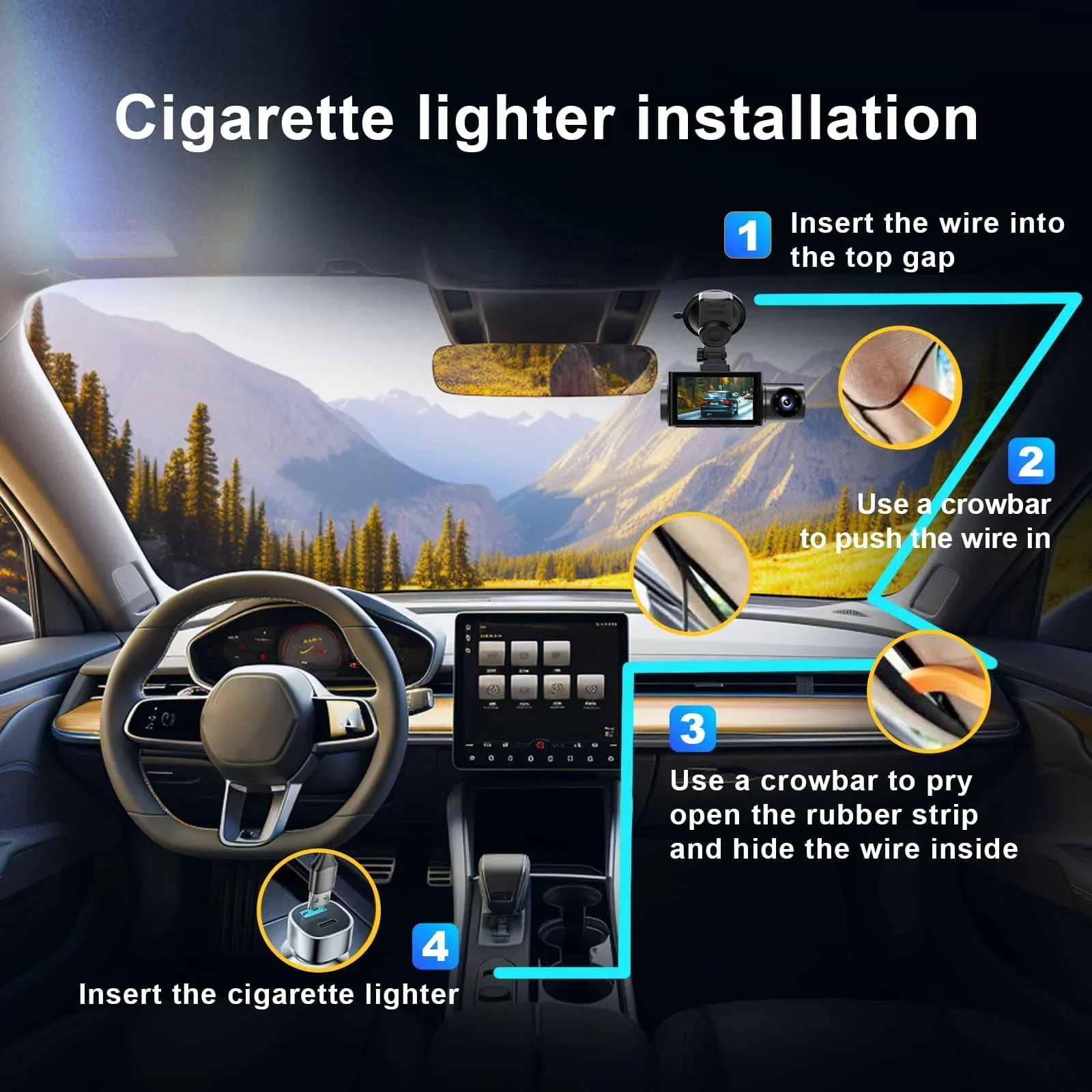
4.If you need a cigarette lighter, please select the corresponding SKU.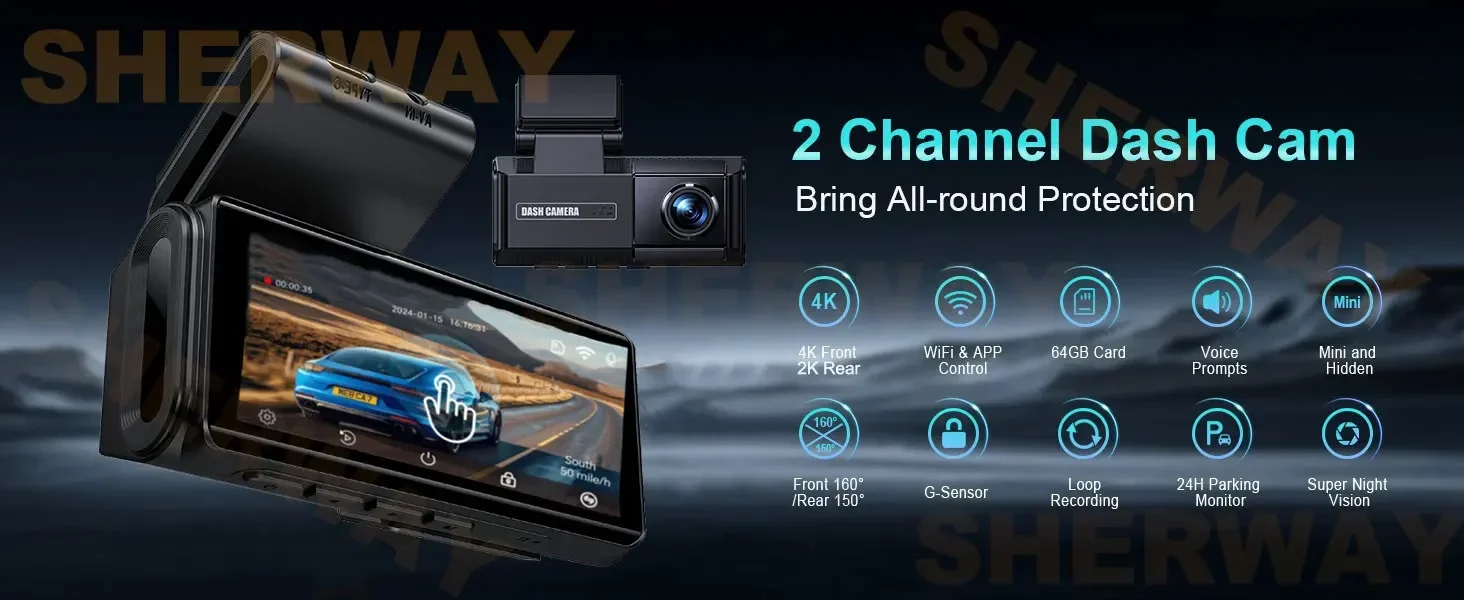
Dual Lens Recording
170 Degree Angle front camer with 140 Degree Angle Rear view Camera (Optional) that allows for simultaneously recording videos from two different angles. Two split view make you have clear view from front and back-up camera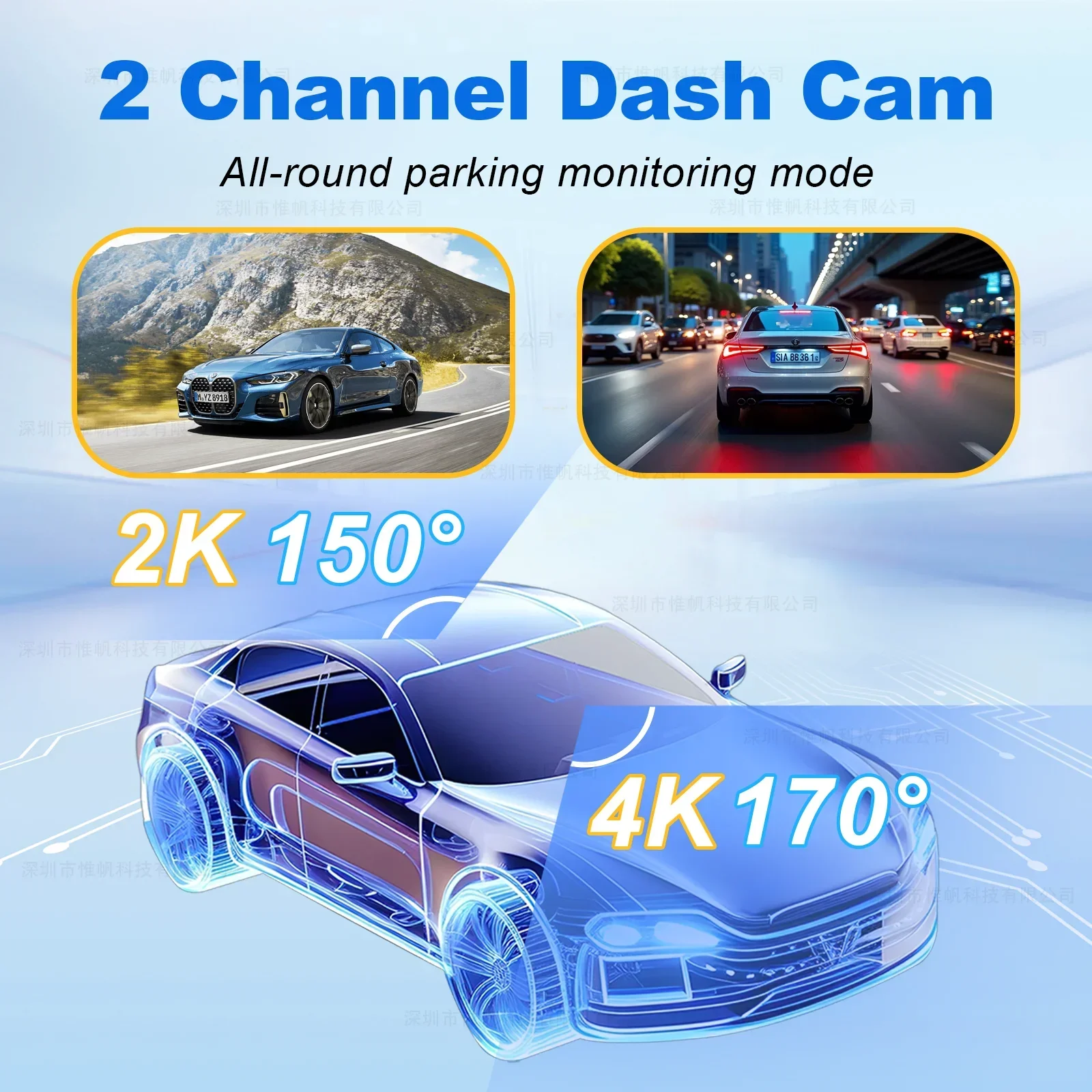
Supports ADAS functions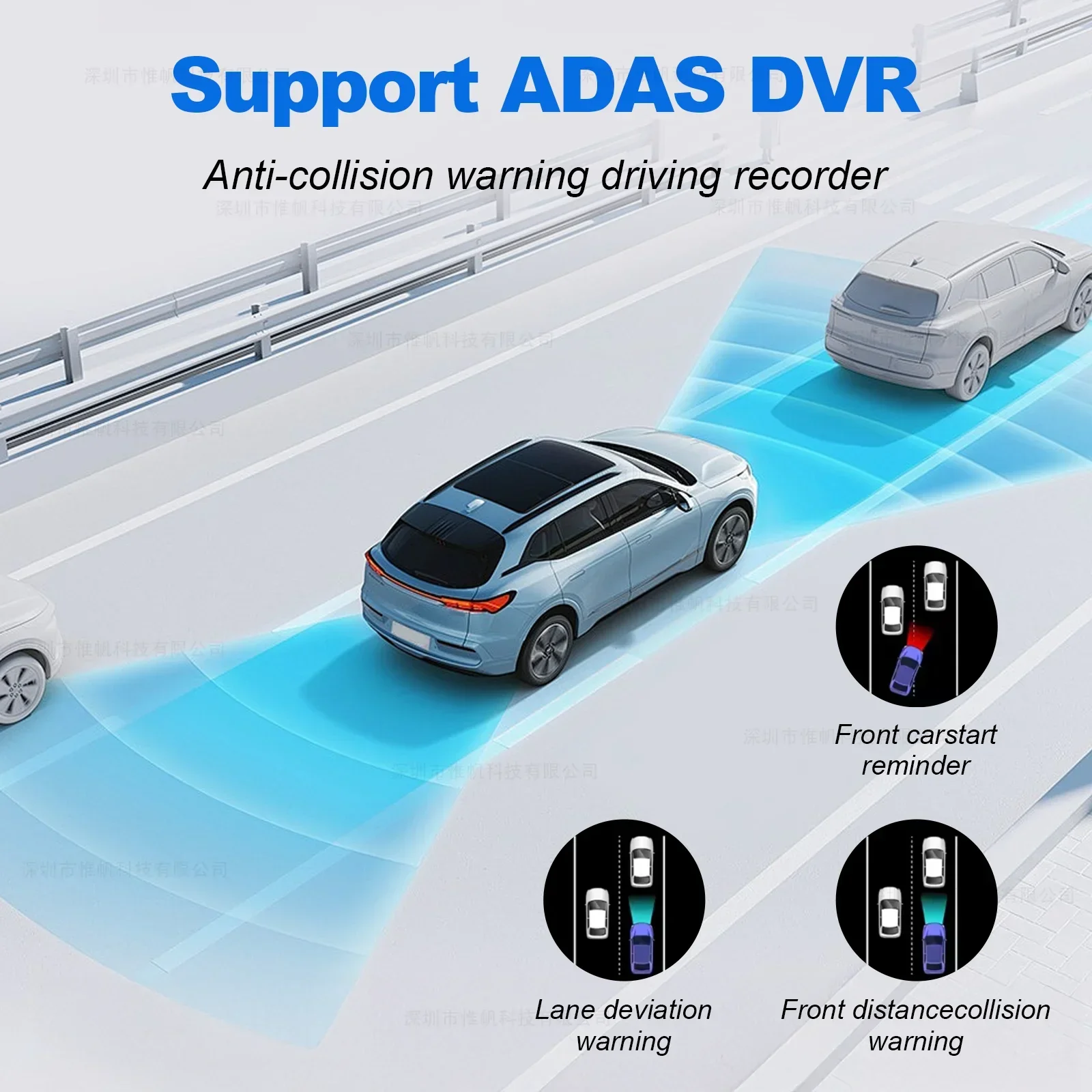
3.69" IPS Touch screen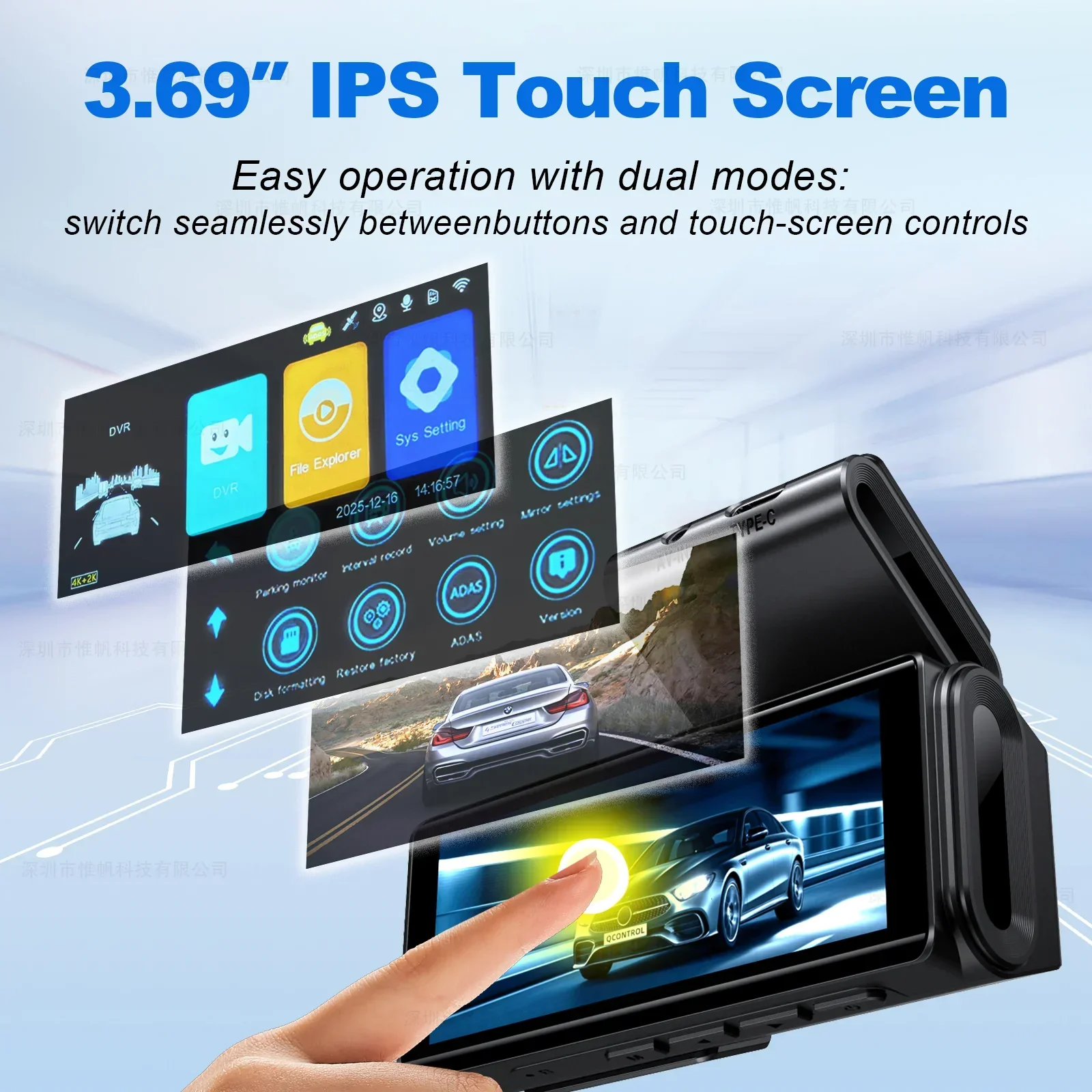
Built-in Wifi and GPS
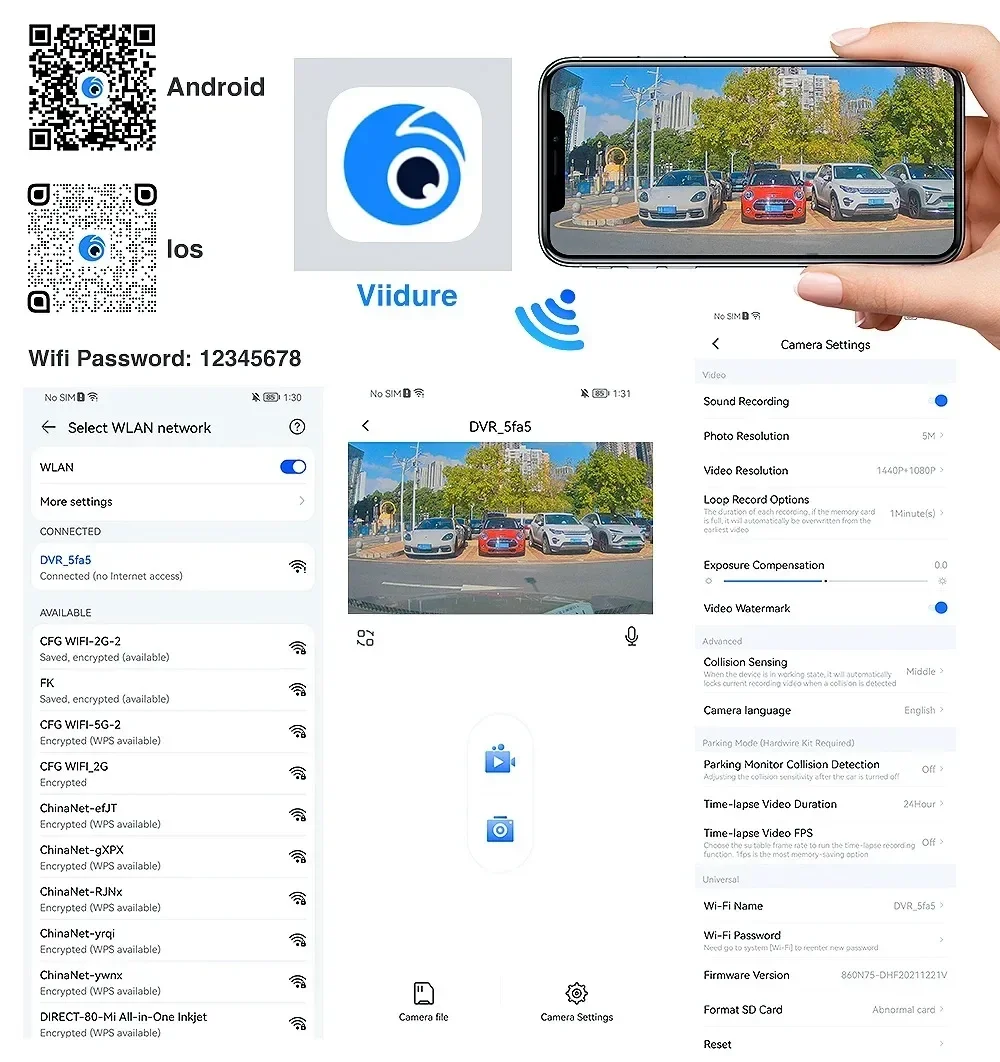
You can control the DVR by connected mobile phonevia WiFi, like recording video, the file recorded video from the overwriting.taking photo, playback preview,parameter settings, etc.
When connecting the GPS module for the first time, you need to wait for the GPS module to locate. After the positioning is successful, the GPS icon on the screen changes from red to green. After logging in to the mobile phone APP, you can view the running track.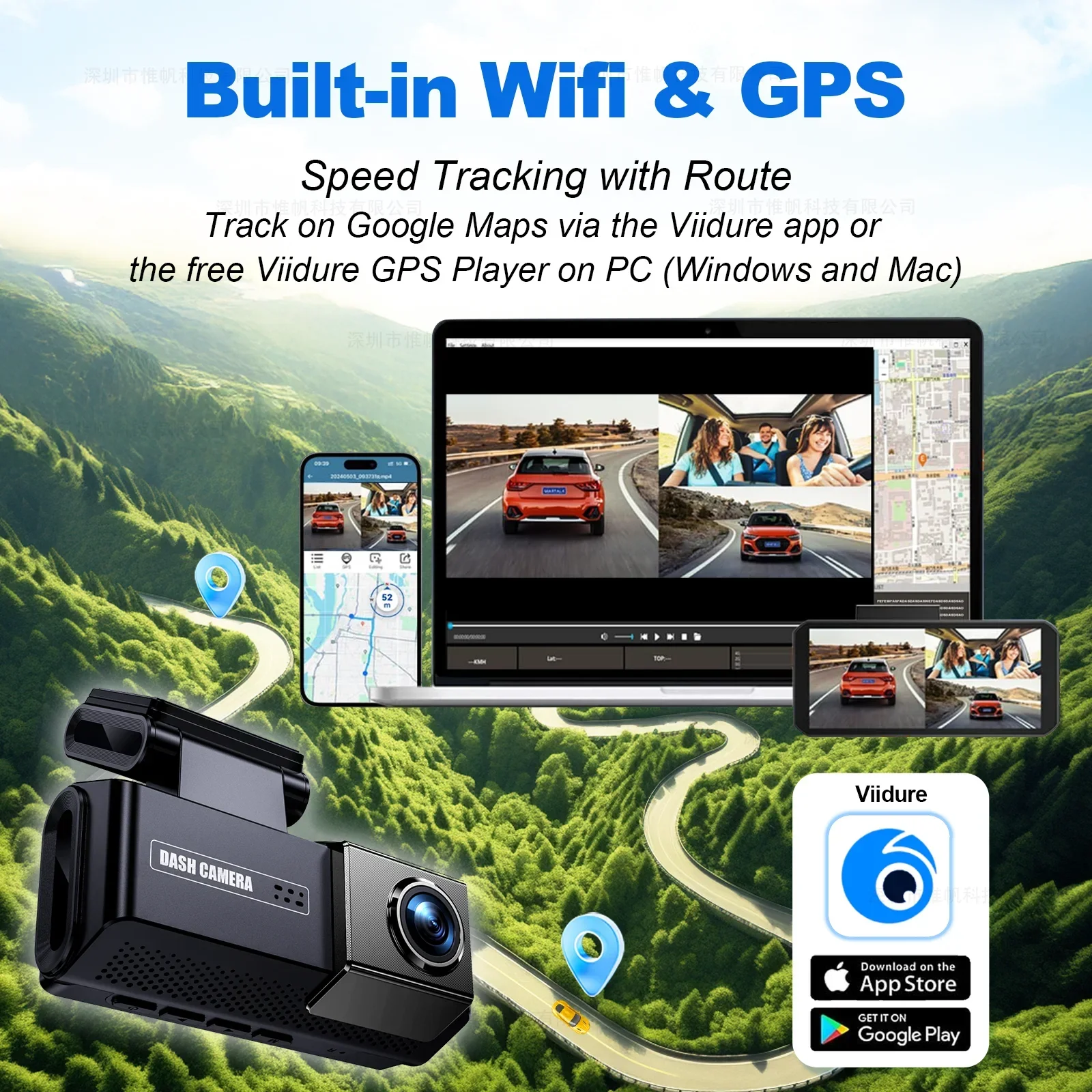
Super Night Vision
G-Sensor Trigger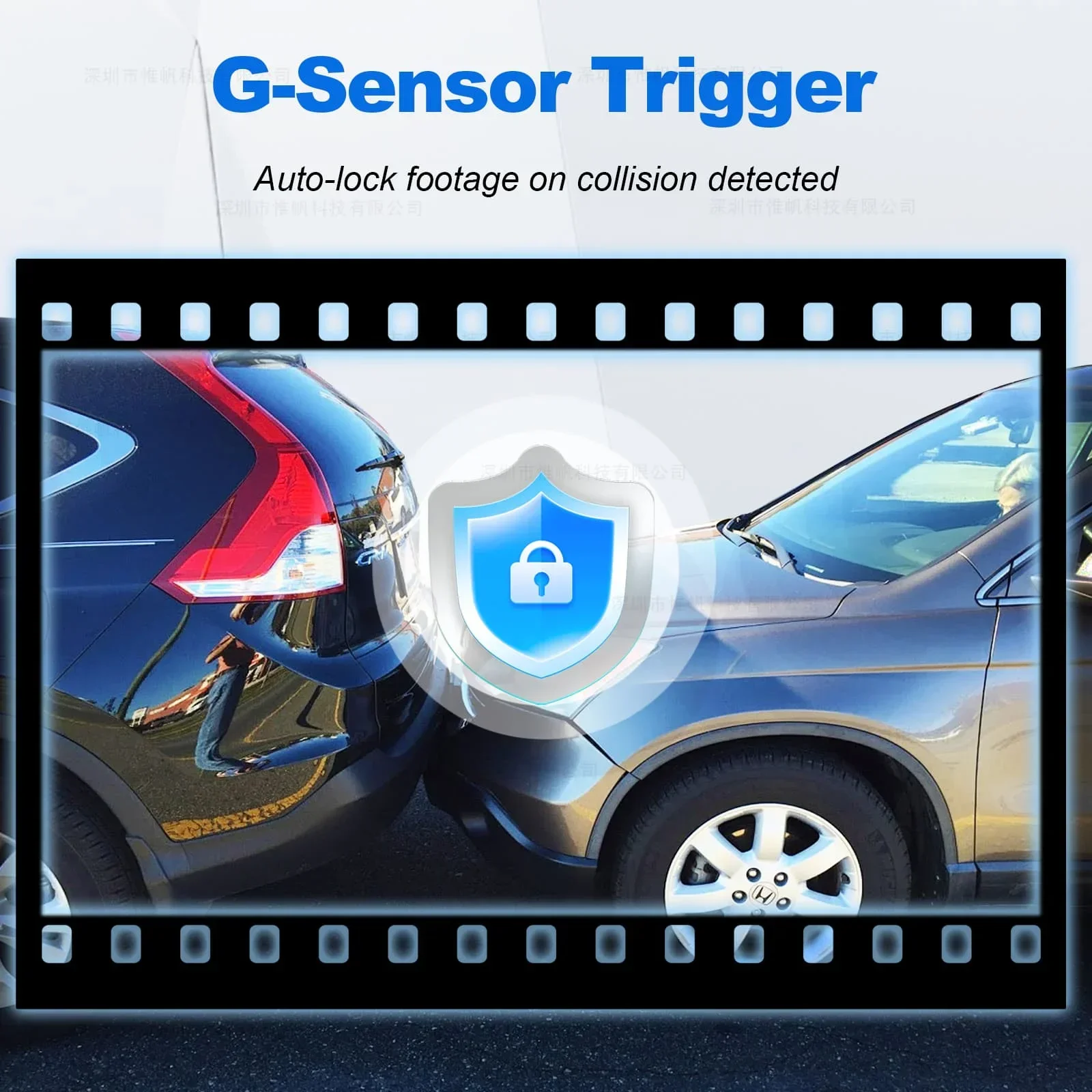
24/7 Parking Mode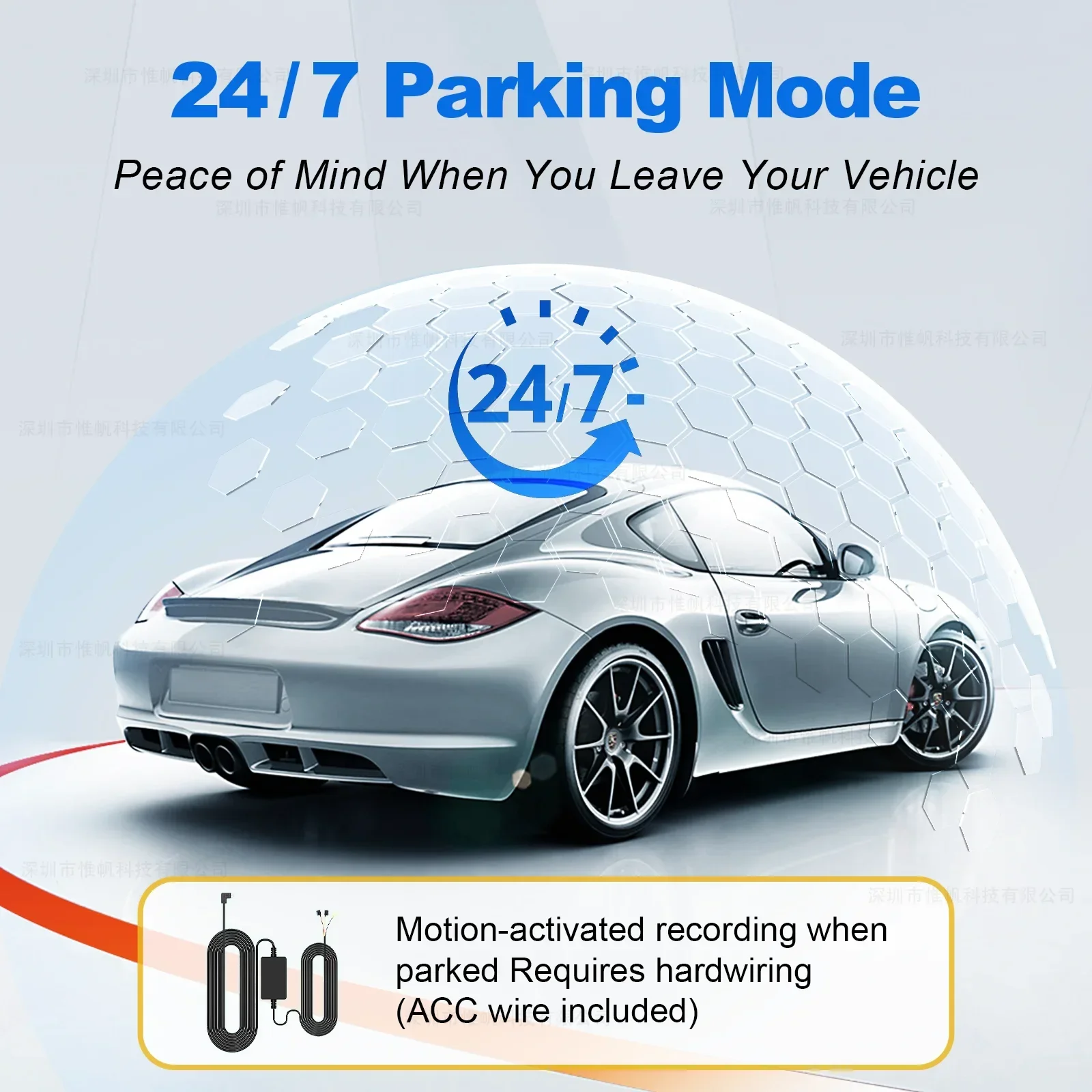
Smart Loop Recording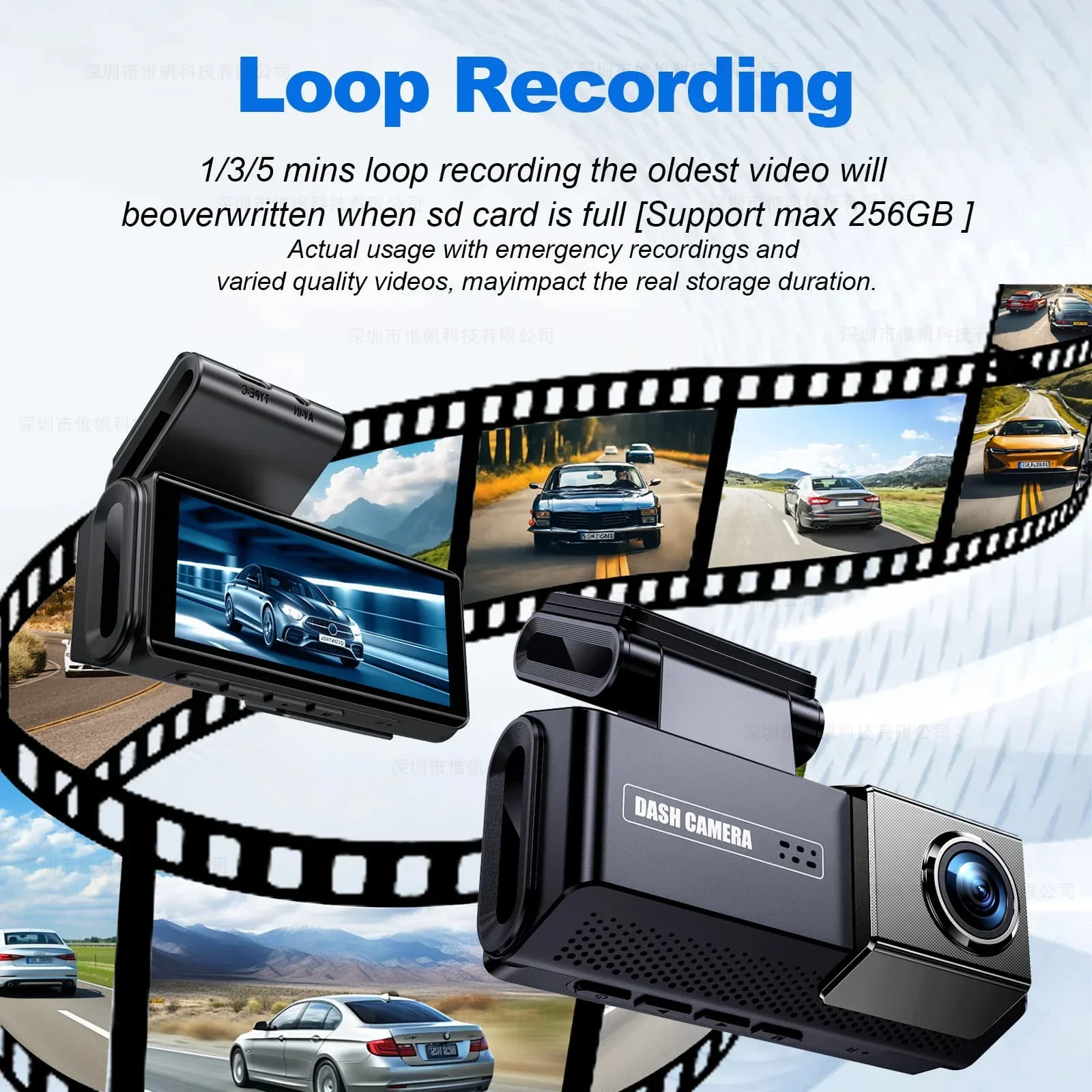
How to connect to the mobile app